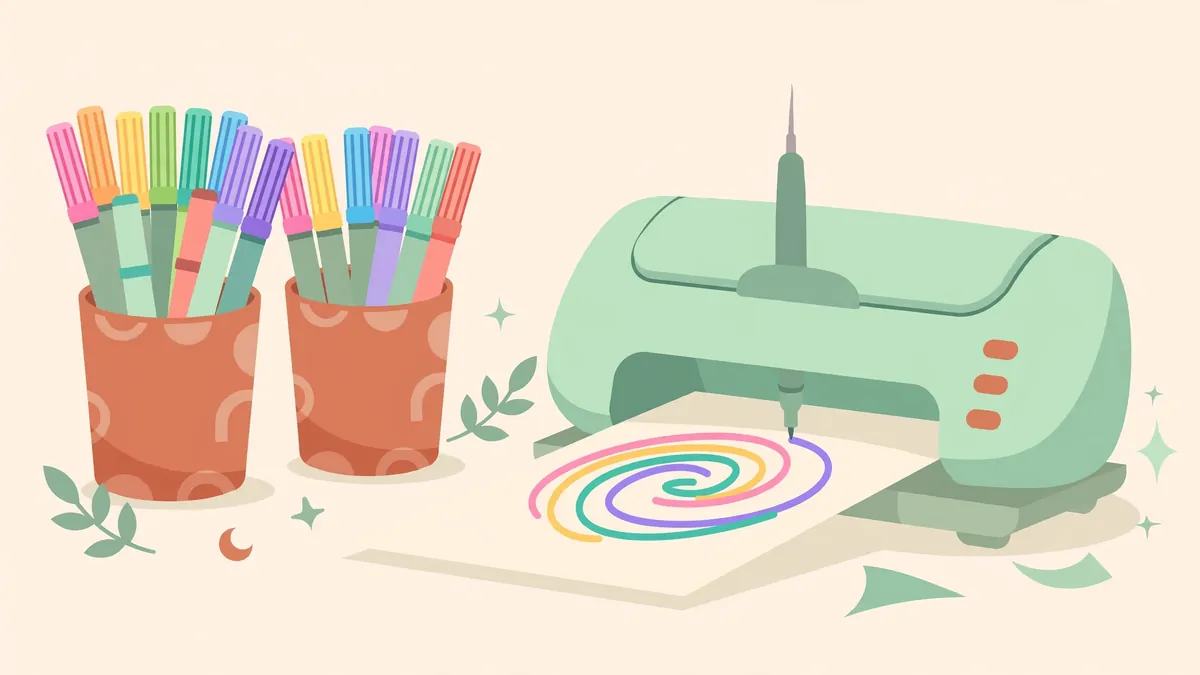
Your Cricut doesn’t just cut — it draws and writes. Beginners get the most from machine pens when they start with a versatile fine-point set, then add specialty pens (glitter, Infusible Ink, watercolor) once they know what they love making.
How we ranked: pen/marker type coverage, fit with Maker/Explore-class machines (Joy-specific sets noted), tip size suitability for first projects, set size vs beginner budget, and how often each set shows up in first-month card, label, and invitation projects. Research-based—not a claim that we personally lab-tested every SKU.
Comparison criteria
Does it fit Maker/Explore-class machines, or is it sized for the Joy line?
Is the tip size right for a beginner’s first projects (0.4 fine point vs 1.0 medium)?
Does the set size match a beginner’s budget and actual color needs?
Is there a clear first-project use case (cards, labels, invitations, transfers)?
1
Cricut Ultimate Fine Point Pen Set (0.4mm, 30 ct)
Best Overall
30 colors of 0.4mm fine-point pens cover nearly any card, label, or invitation
Water-based, acid-free, non-toxic ink that’s permanent once dry
Works with Maker and Explore machines (Explore One needs an adapter)
Who it’s for: Absolute beginners who want one do-everything pen set.
Check current price on Amazon — we don’t hardcode prices.
Quick buying tip
If you’re only buying one set, buy fine-point pens first. They’re the everyday workhorses for cards, labels, and invitations. Glitter, watercolor, and Infusible Ink pens are specialty add-ons — layer them in once you know what you love making.
What you can make
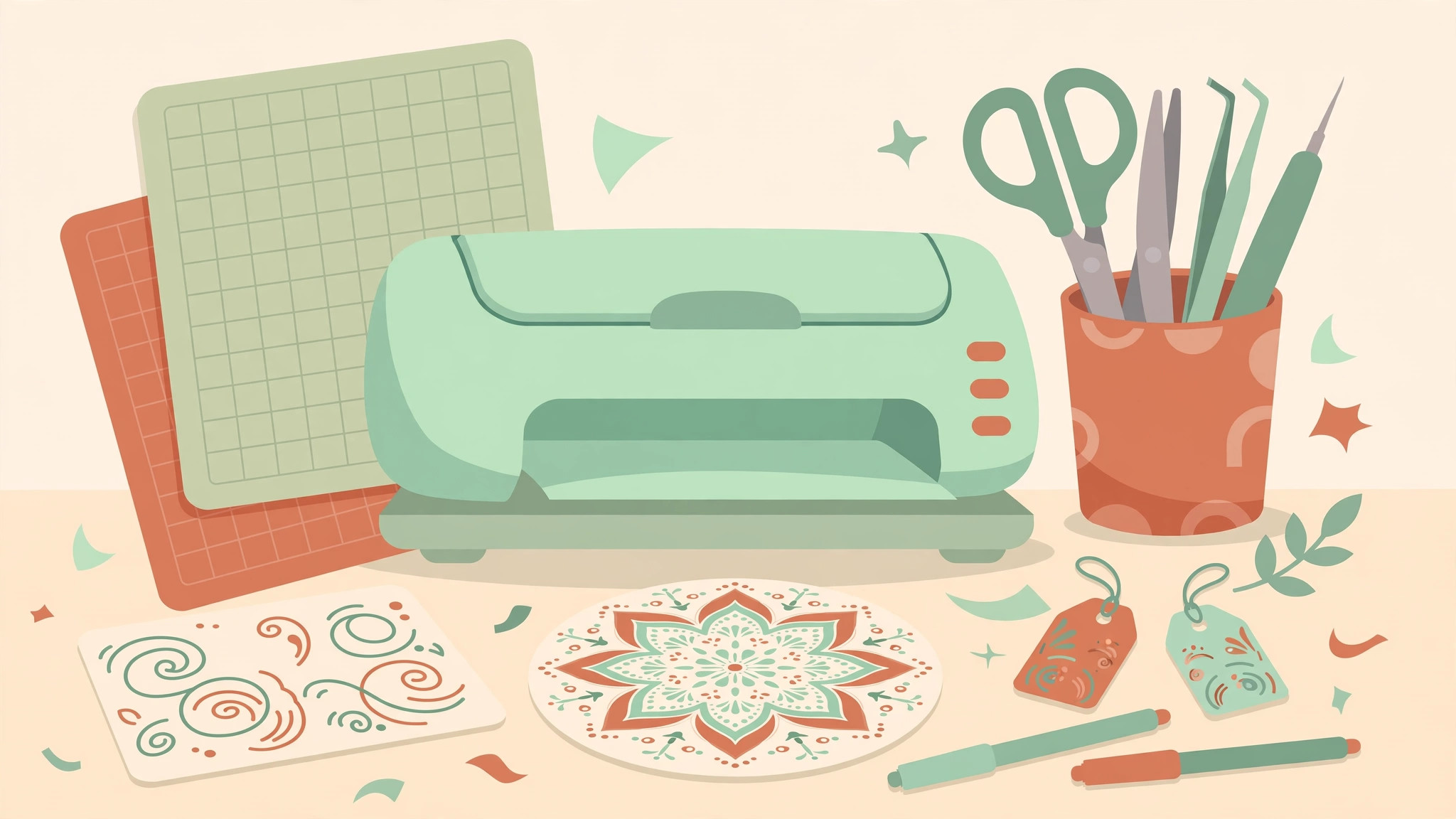
Hand-lettered cards, gift tags, and labels — the beginner projects machine pens unlock.
Frequently asked questions
Will any Cricut pen fit my machine?
Not quite. Maker and Explore-class machines use full-size pen barrels, while Cricut Joy and Joy Xtra use smaller pens and markers — buy sets labeled for your machine. The original Explore One needs a separate accessory adapter for pens.
Should I start with fine point (0.4) or medium point (1.0)?
Start with fine point 0.4. It handles writing, invitations, labels, and detailed line work — the most common beginner projects. Medium point 1.0 is better for bold lettering and coloring, and is worth adding once you know you like that style.
Can I use regular pens like Sharpies in my Cricut?
Yes, with a third-party pen adapter set like our pick 10. Adapters hold popular pen brands at the right height for Maker and Explore machines. They do not work with the Cricut Joy or the Explore One.
What’s the difference between regular Cricut pens and Infusible Ink pens?
Regular Cricut pens write permanently on paper and cardstock. Infusible Ink pens draw on laser copy paper, and the design then transfers permanently into compatible blanks — shirts, coasters, totes — with a heat press, becoming part of the material instead of sitting on top of it.
Do watercolor markers work on regular cardstock?
They work best on 140 lb (300 gsm) watercolor paper or Cricut Watercolor Cards. Thin cardstock can warp or pill when you brush water over it, so pair the marker set with proper paper for your first project.
Can my Cricut write AND cut in the same project?
Yes. In Design Space you can set some layers to Draw and others to Cut, so the machine draws with a pen and cuts around the design in one run. That is how machine-drawn greeting cards and layered labels are made.