Buying your first cutting machine is confusing: the names sound alike, the feature lists blur together, and last-generation models are still on shelves. This guide compares Cricut's current lineup — Maker 4, Explore 4, Joy Xtra, and Venture — so you can match a machine to the projects you actually want to make, without paying for capability you will never use.
How we ranked: We scored each machine on material range, tool compatibility, cutting speed, Smart Materials support, connectivity, and what comes in the box. Our rankings come from research across manufacturer specifications, independent reviews, and aggregated buyer feedback — not from personal lab testing.
Comparison criteria
Material range — how many materials the machine can cut, from vinyl to leather
Tool compatibility — which blades and tools it accepts (engraving, scoring, foiling)
Cutting speed — how much faster it finishes a project, on-mat and matless
Smart Materials support — whether it can cut matless, and how long those cuts can be
Connectivity — Bluetooth, USB, or both
Print Then Cut — full-color sticker and decal capability with an inkjet printer
What's in the box — starter materials, mats, and tools a beginner gets on day one
1
Cricut Maker 4
Best Overall
Cricut's current flagship — cuts up to 2× faster than the Maker 3, even on the mat
Adaptive Tool System with 13+ tools: rotary blade, knife blade, engraving, debossing, scoring wheels, and more
Works with 300+ materials, from vinyl and iron-on to leather, balsa wood, and engravable metals
Smart Materials cut matless up to 12 feet; new optical sensor improves cut accuracy
Print Then Cut works with most inkjet printers for full-color stickers
Best for the beginner who wants one machine that grows with them — vinyl decals today, leather and engraving later.
Check the live Amazon price — large bundles like this are often the best per-item value during sales events.
5
Cricut Venture
For Growing Businesses
25-inch wide-format machine built for batch production and commercial speeds
Cuts 100+ materials with 7 tools; works with 13-inch and 25-inch Smart Materials
Matless cuts up to 12 feet and mats up to 24×28 for banners and large projects
Print Then Cut up to 24×28 — full-color designs at a scale no 12-inch machine can touch
Best for crafters turning pro — when batch orders make a 12-inch machine feel slow. Not a beginner machine: it needs serious desk space and is desktop-only in Design Space.
What about the Maker 3 and Explore 3? These last-generation machines are still on shelves and on sale. They run the same Design Space software, support the same Smart Materials, and are genuinely capable — the Maker 3 handles 300+ materials and the Explore 3 handles 100+. Their main trade-offs are slower cutting and fewer starter materials in the box. A deep-discount 3-series can be a smart buy, but don't pay near current-model money for one.
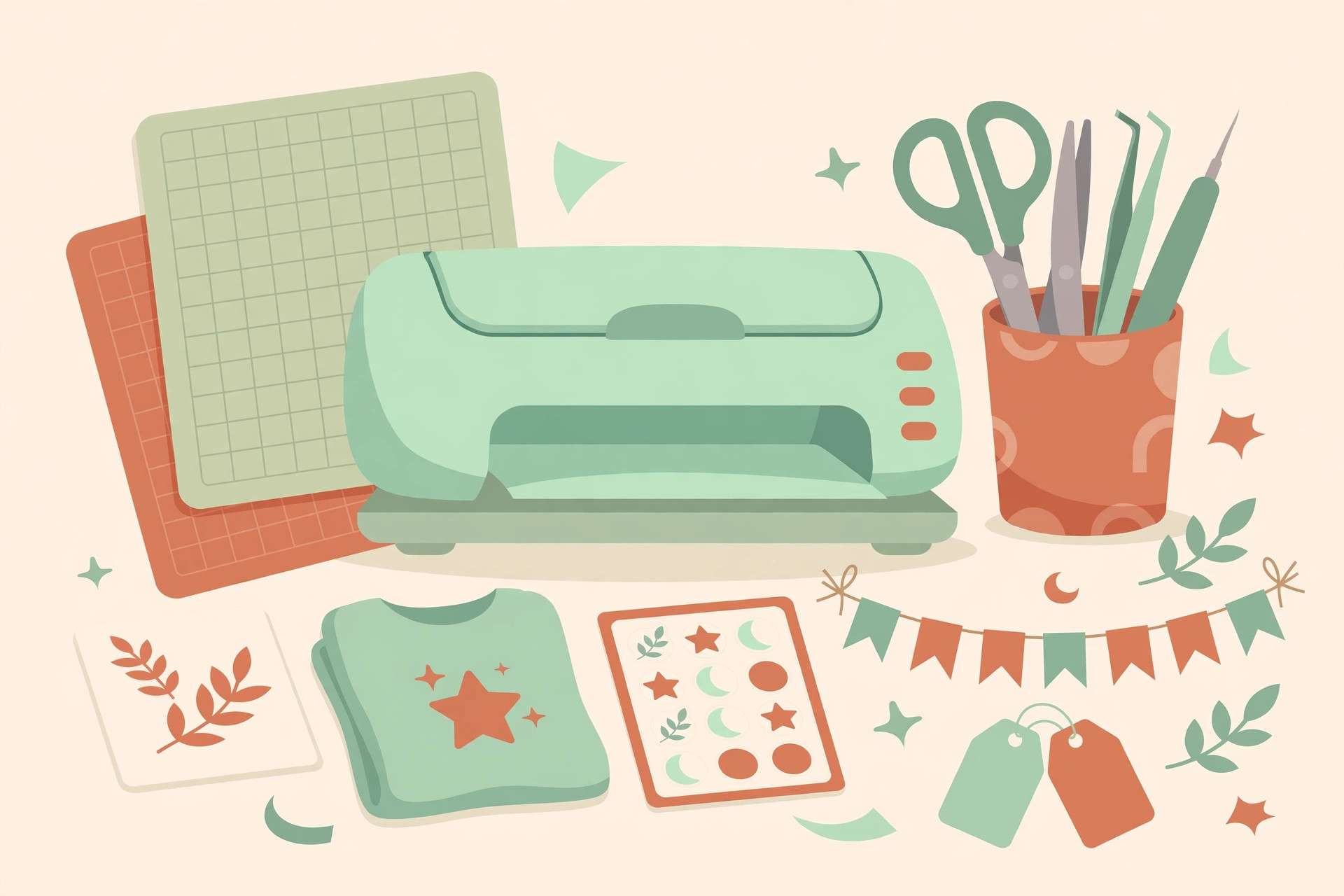
What you can make with your first machine
Four starter projects every one of these machines can handle.
The Cricut Maker 4 is the best pick for most beginners. It is Cricut's current flagship, cuts up to twice as fast as the Maker 3, and works with 300+ materials and 13+ tools — so it handles vinyl decals today and leather or engraving later, instead of getting outgrown.
What is the difference between the Cricut Maker 4 and the Explore 4?
The main difference is tools and material range. The Maker 4 uses Cricut's Adaptive Tool System with 13+ tools and cuts 300+ materials, including leather, balsa wood, and engravable metals. The Explore 4 works with 6 tools and 100+ materials — covering vinyl, iron-on, cardstock, and stickers. Both cut up to 2× faster than their predecessors and support Smart Materials and Print Then Cut.
Should I buy a Maker 3 or Explore 3 on sale instead?
A Maker 3 or Explore 3 at a deep discount is still a capable machine — they run the same Design Space software and support the same Smart Materials. But they cut slower than the 4-series and usually come with fewer starter materials. Only buy one if the discount is genuinely deep compared to the current models.
Can the Cricut Joy Xtra replace a full-size machine?
Not fully. The Joy Xtra works on an 8.5-inch-wide workflow with a smaller mat, connects over Bluetooth only, and handles 50+ materials with 3 tool types. It is excellent for stickers, cards, labels, and small decals — and a great second machine — but it cannot match the 12-inch width, matless 12-foot cuts, or tool range of the Maker 4 or Explore 4.
What about Silhouette machines?
Silhouette's Cameo line is the main alternative to Cricut, with its own Silhouette Studio software and a loyal following. This guide focuses on Cricut because of Design Space and the wider beginner accessory ecosystem this site covers. If you already know Silhouette Studio, staying in that ecosystem is reasonable.
Do I need a computer to use a Cricut machine?
No — Cricut Design Space runs on iOS, Android, Windows, and Mac, so a phone or tablet works for most machines. The one exception is the Cricut Venture, which is desktop-only.