Paper is the first material most Cricut beginners burn through. The good news: a 12x12 variety pack in a medium weight covers most first-month projects — cards, banners, layered art, party decor — without overthinking it.
How we ranked: beginner clarity, paper weight suited to Cricut machines (65–110 lb / 176–300 GSM), variety-pack value over single-color reams, size fit with standard mats, and how cleanly the paper cuts for layered projects. Research-based—not a claim that we personally lab-tested every SKU.
Comparison criteria
Is the weight in a beginner-safe range that cuts cleanly on standard settings?
Does the size fit a standard 12x12 mat or an 8.5x11 letter workflow?
Does a variety pack cover more first-month projects than a single-color ream?
Is it solid-core or dyed-through for clean edges on layered cuts?
Does the listing state Cricut / die-cutting machine compatibility?
Check current price on Amazon — we don’t hardcode prices.
Quick buying tip
Start with one 12x12 multi-color variety pack in a medium weight on a StandardGrip mat — it covers cards, banners, layered art, and party decor. Save glitter and metallic cardstock for after you’ve dialed in cut pressure, since the textured surface usually needs a stronger setting and a stickier mat.
What you can make
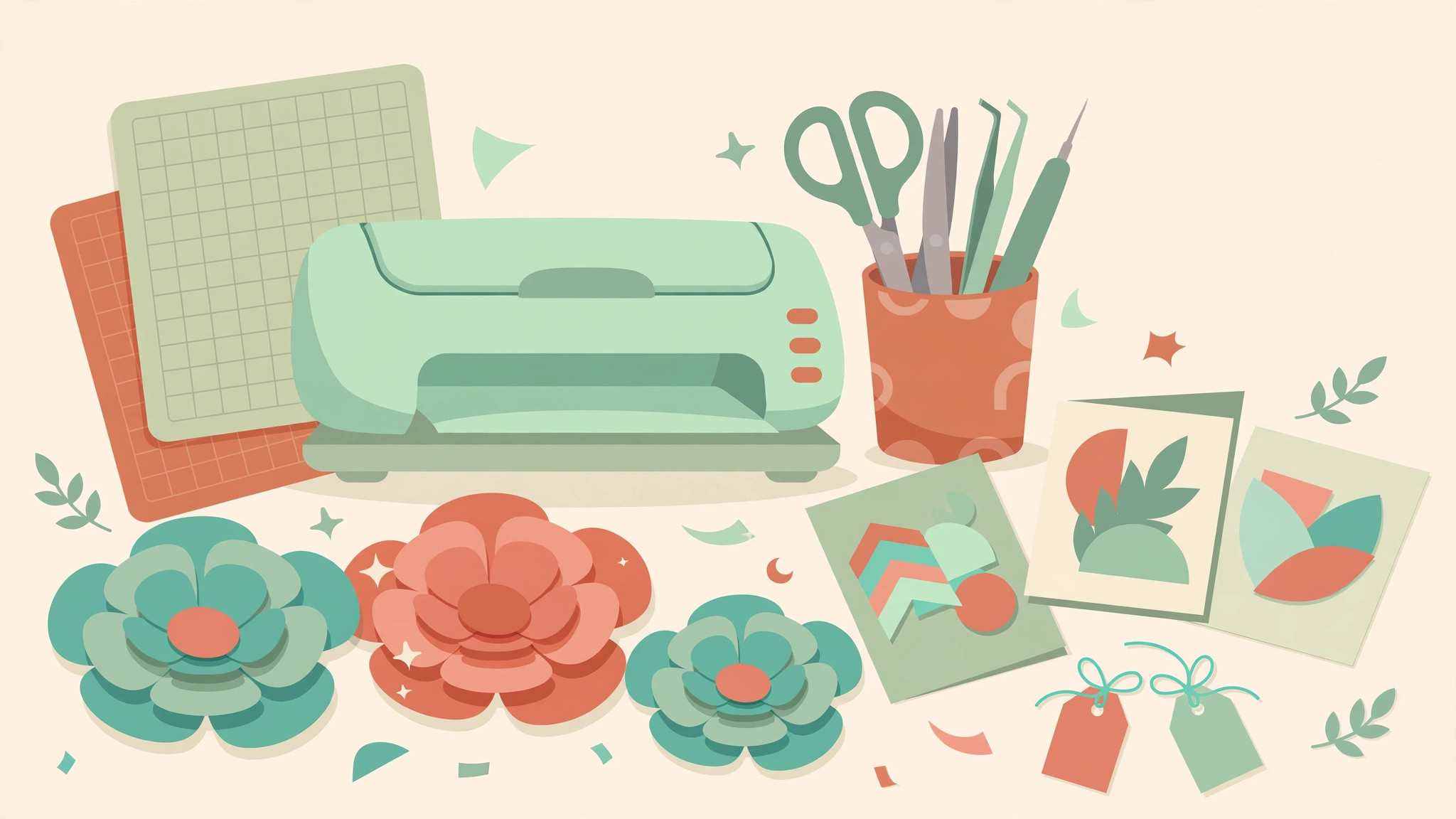
Greeting cards, layered paper art, and gift tags — the beginner projects this paper unlocks.
Frequently asked questions
What weight cardstock works best in a Cricut?
Medium cardstock in the 65–80 lb (176–216 GSM) range is the beginner sweet spot — it cuts cleanly on a StandardGrip mat with the stock Medium Cardstock setting in Design Space. Heavier 100–110 lb cardstock works too, but usually needs more blade pressure and a stickier mat, so learn on medium weight first.
Which Cricut mat should I use for cardstock?
StandardGrip (green) for most cardstock — it's the mat Cricut pairs with paper in the box. Use LightGrip (blue) for thin or delicate papers like vellum so they release without tearing, and StrongGrip (purple) for glitter cardstock or heavyweight 110 lb stock so it stays put during the cut.
Does glitter cardstock work in a Cricut?
Yes, but treat it as an intermediate step. Cut glitter-side down with mirror image on, use the Glitter Cardstock setting for higher pressure, and stick it to a StrongGrip mat — the textured surface needs both. Look for no-shed glitter that stays bonded during the cut.
What is solid-core cardstock and why does it matter?
Solid-core (dyed-through) cardstock is colored all the way through the sheet instead of having a white center. For layered Cricut projects — shadow boxes, layered mandalas, paper flowers — it keeps cut edges from showing a white line, which makes finished pieces look noticeably cleaner.
Should I buy 12x12 or 8.5x11 cardstock for my Cricut?
12x12 is the natural fit for Maker and Explore-class machines — it uses the full cutting area of the standard 12x12 mat, so bigger designs and fewer seams. 8.5x11 (letter/A4) is cheaper per pack, prints easily if you layer print-then-cut projects, and suits smaller projects or Joy-class machines.
Do I need special settings for vellum or printable sticker paper?
Vellum cuts best on a LightGrip mat with a light-pressure setting so the delicate sheet releases cleanly. Printable sticker paper goes through your inkjet printer first, then cuts on a StandardGrip mat using Cricut's Print Then Cut workflow — calibrate your machine's light once before your first sticker run.