Mats lose stickiness; blades dull. Buying variety packs and blade bundles is the practical (and higher-AOV) way to keep cutting instead of pausing mid-project for a single replacement.
How we ranked: grip variety, pack quantity, official vs compatible bundles, blade diversity, and Explore/Maker compatibility notes. Research-based.
Comparison criteria
Light / Standard / Strong coverage in one purchase
Spare mats so you can wash/rest sticky mats
Blade + housing clarity for beginners
Bundle value vs à-la-carte replacements
1
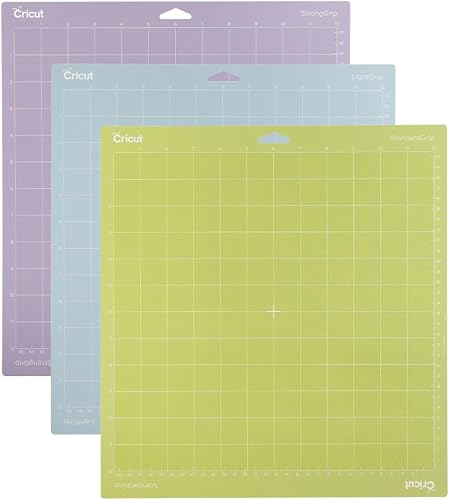
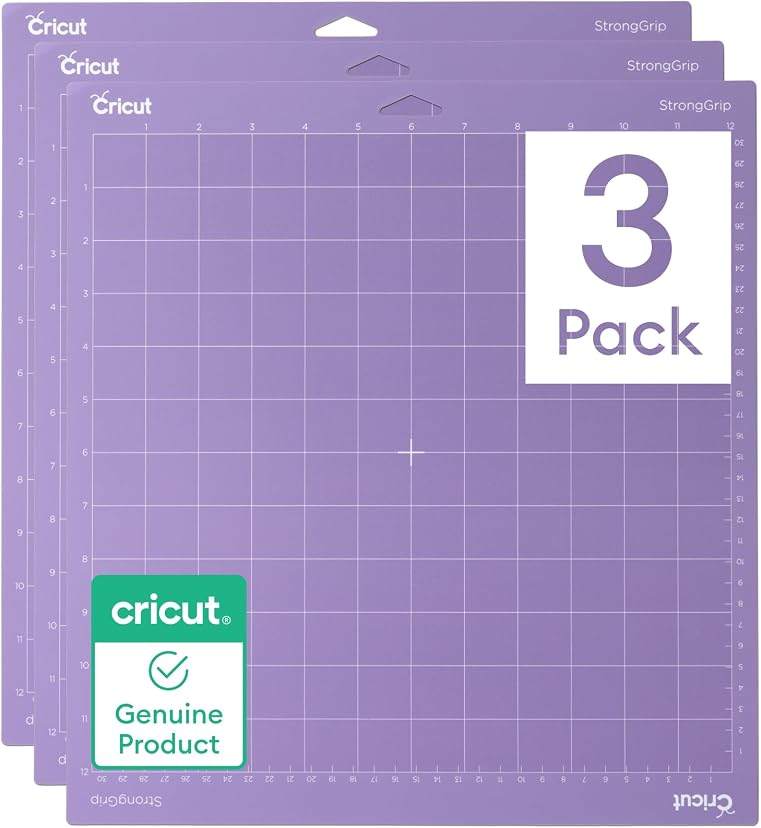
Cricut 12×12 Mat Variety Pack (3 grips)
Best Overall
Official three-grip starter pack
Matches Design Space material guidance
Best first mat purchase for most beginners
Who it’s for: New Explore/Maker owners cutting mixed materials.
Mats lose stickiness with use — there is no fixed schedule, since it depends on materials and frequency. That wear is exactly why our guide recommends variety packs over single replacements: you keep cutting with a fresh mat instead of pausing mid-project to order one.
Which Cricut mat grip do I need?
It depends on the material: LightGrip for delicate paper, StandardGrip for everyday vinyl and cardstock, StrongGrip for thick materials. Because beginners rarely know their mix in advance, our top pick is a 3-grip variety pack covering all three, so the right mat is on hand.
What's the best value way to buy mats and blades?
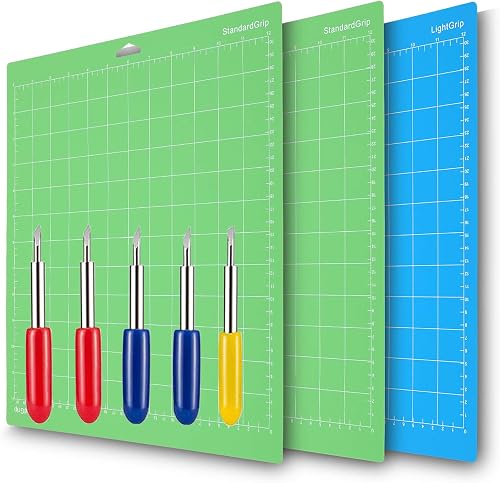
Buy variety packs and bundles, not single replacements. Our best overall pick is the Cricut 12×12 mat variety pack, and the Best Budget pick is a compatible mats-plus-multi-blade pack. Bundles keep your cost per mat and per blade down while keeping spares ready.
Do I need a deep-point blade as a beginner?
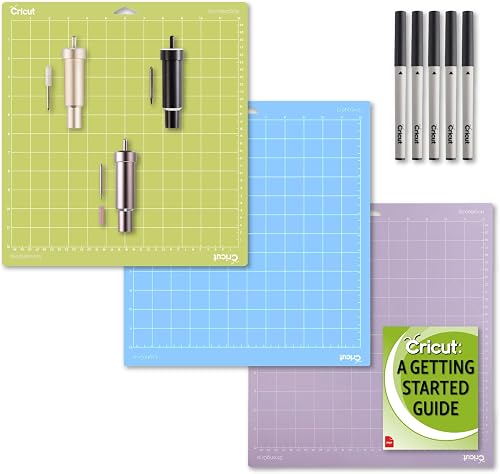
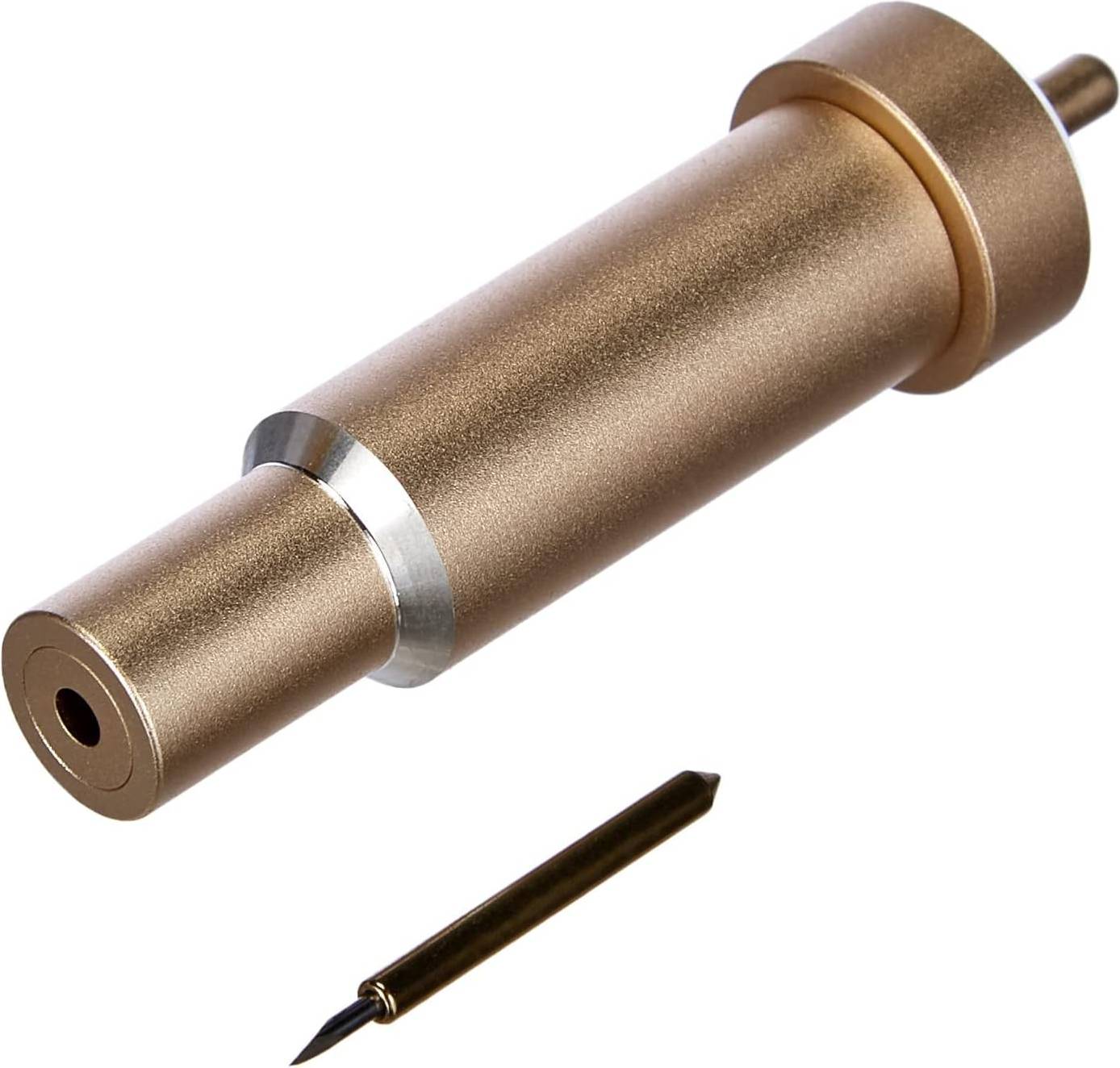
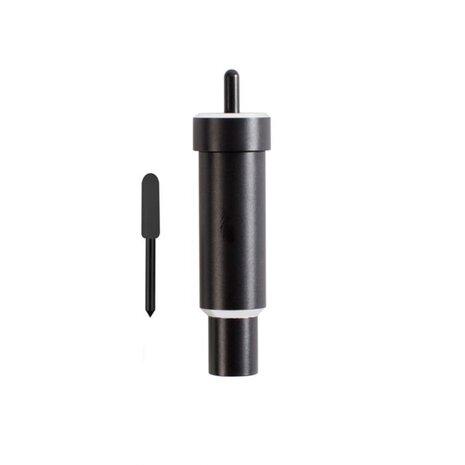
Most beginners start with the fine-point blade, which handles vinyl, iron-on, and cardstock. Our guide lists the premium fine-point blade plus housing as the core pairing, with deep-point and specialty blades as add-ons for thicker materials you may tackle later.
Are off-brand mats and blades compatible with Cricut machines?
Compatible third-party mat and blade multi-packs are our guide's Best Budget pick. They are the economical way to stock spares instead of paying full price for every replacement. Check that the listing states compatibility with your machine (Maker or Explore class) before buying.
What size cutting mat should I get?
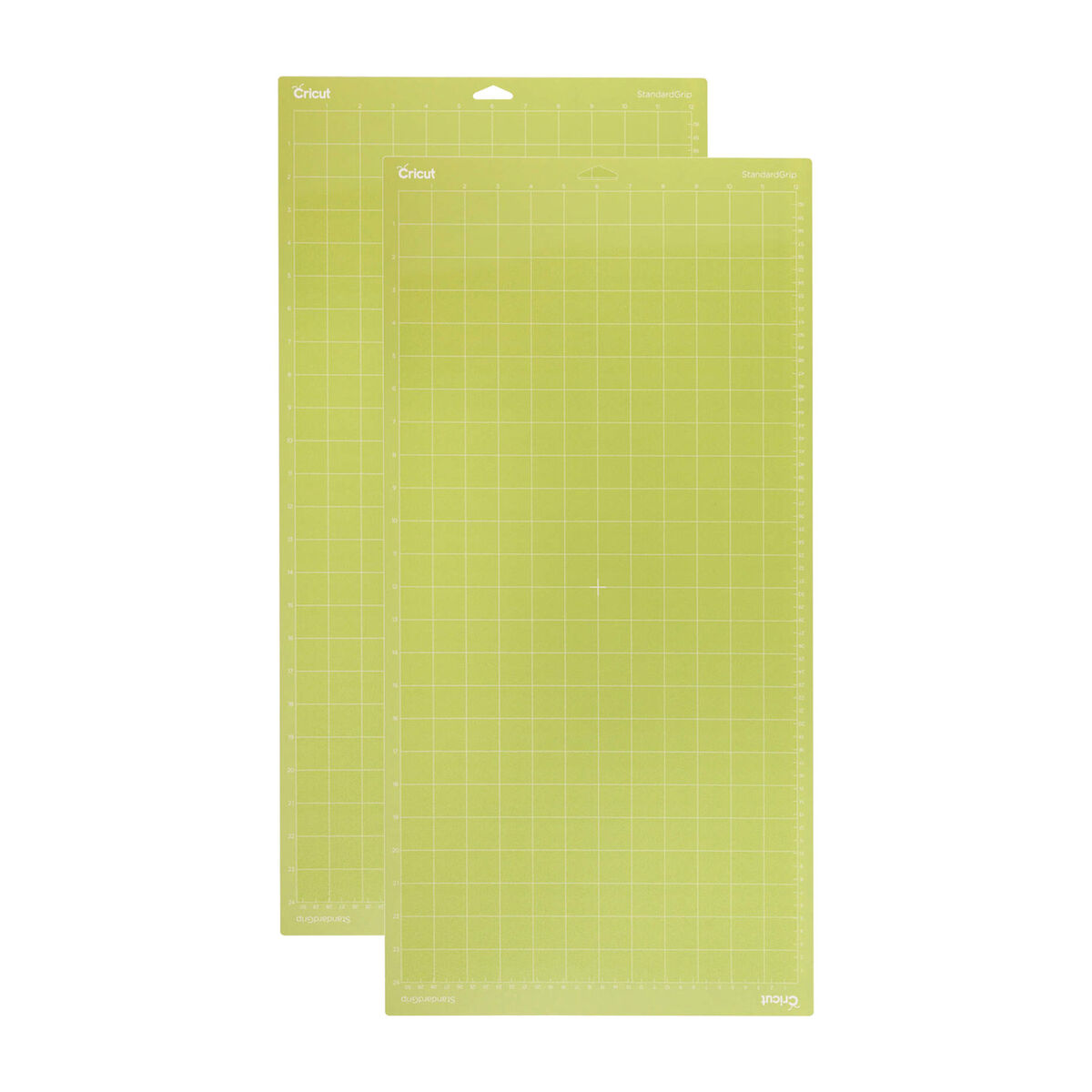
12×12 is the standard size that fits most beginner projects and machine models. Our guide also includes a 12×24 mat extension path for larger projects like big wall decals. Start with 12×12 variety; add the longer mat only when your projects outgrow it.